
Prayer times and announcements on every TV in your masjid.
Adhan and iqama with a live countdown, this week's events and your campaign total, updated from your portal and shown on the TVs you already own. Included in the Advanced plan, with no additional payment.
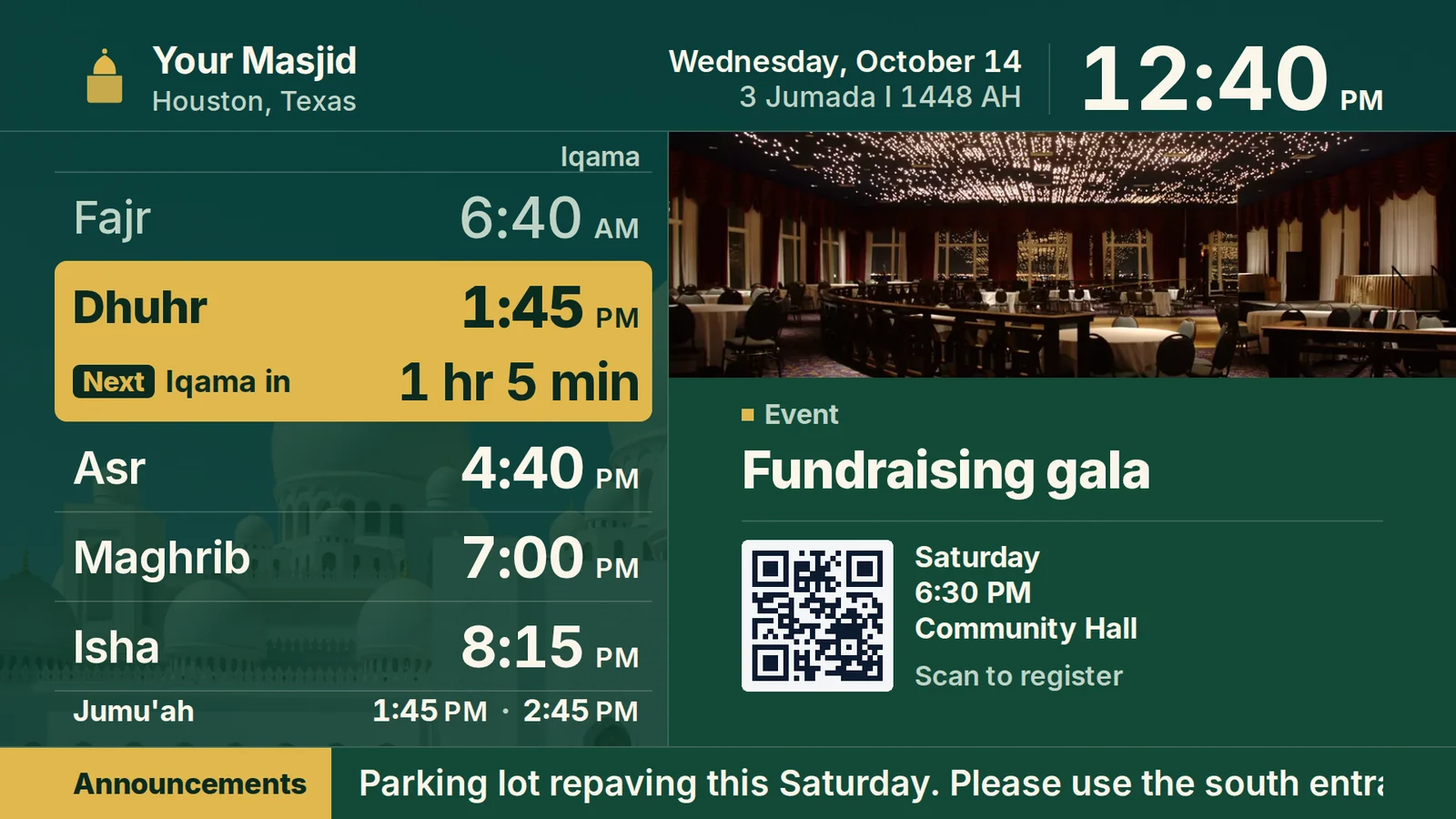
Iqama on the wall, in sync with the app.
Adhan and iqama come from the schedule your admins already keep in Ummah. Time-change weekend stops being an event: one correction in the portal and the wall, the app and your website all agree.
- A large clock, the next prayer and a countdown to iqama
- Jumu'ah times beside the five daily prayers
- The Hijri date under the day
- Always identical to the app, one source of truth
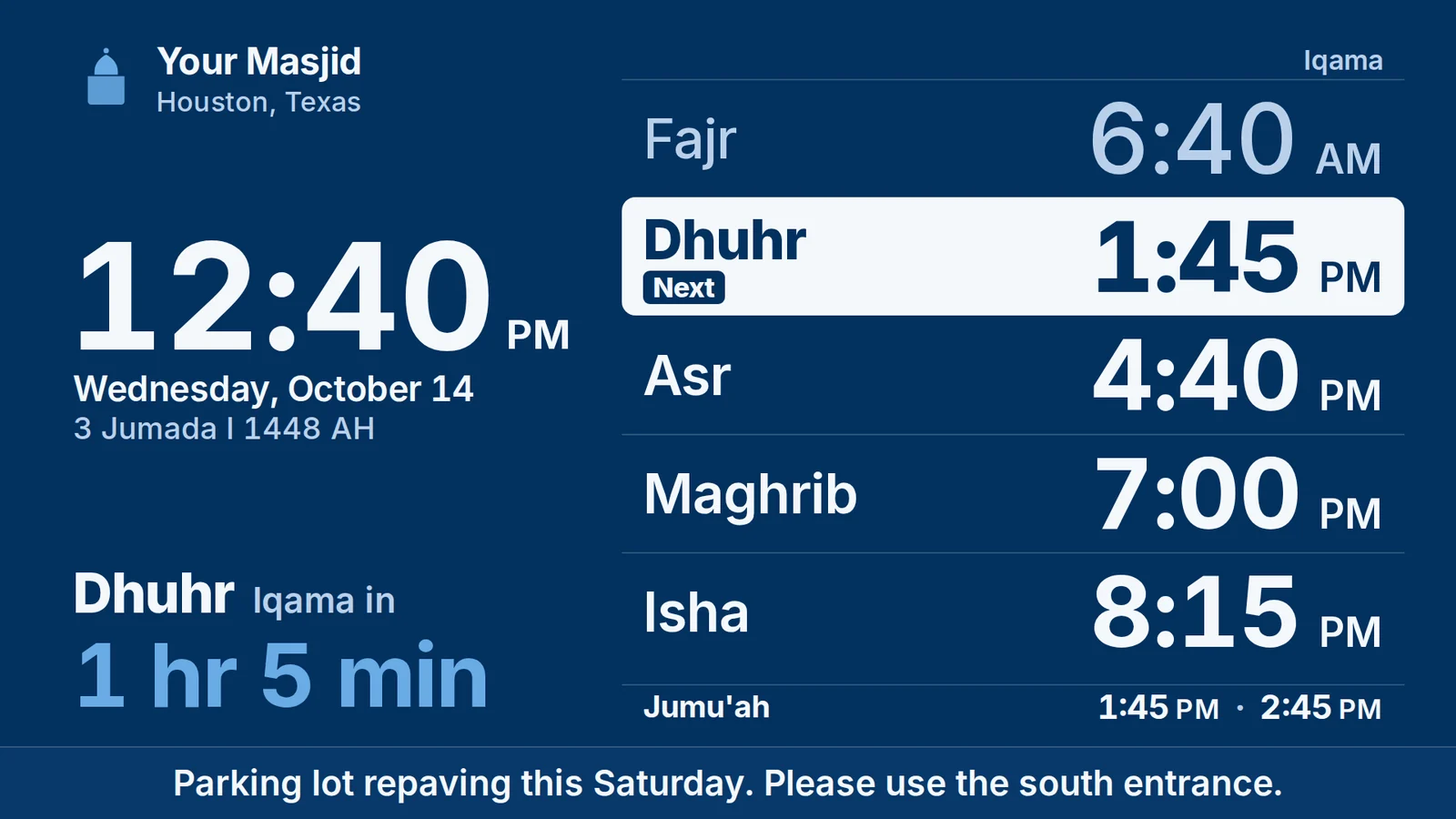
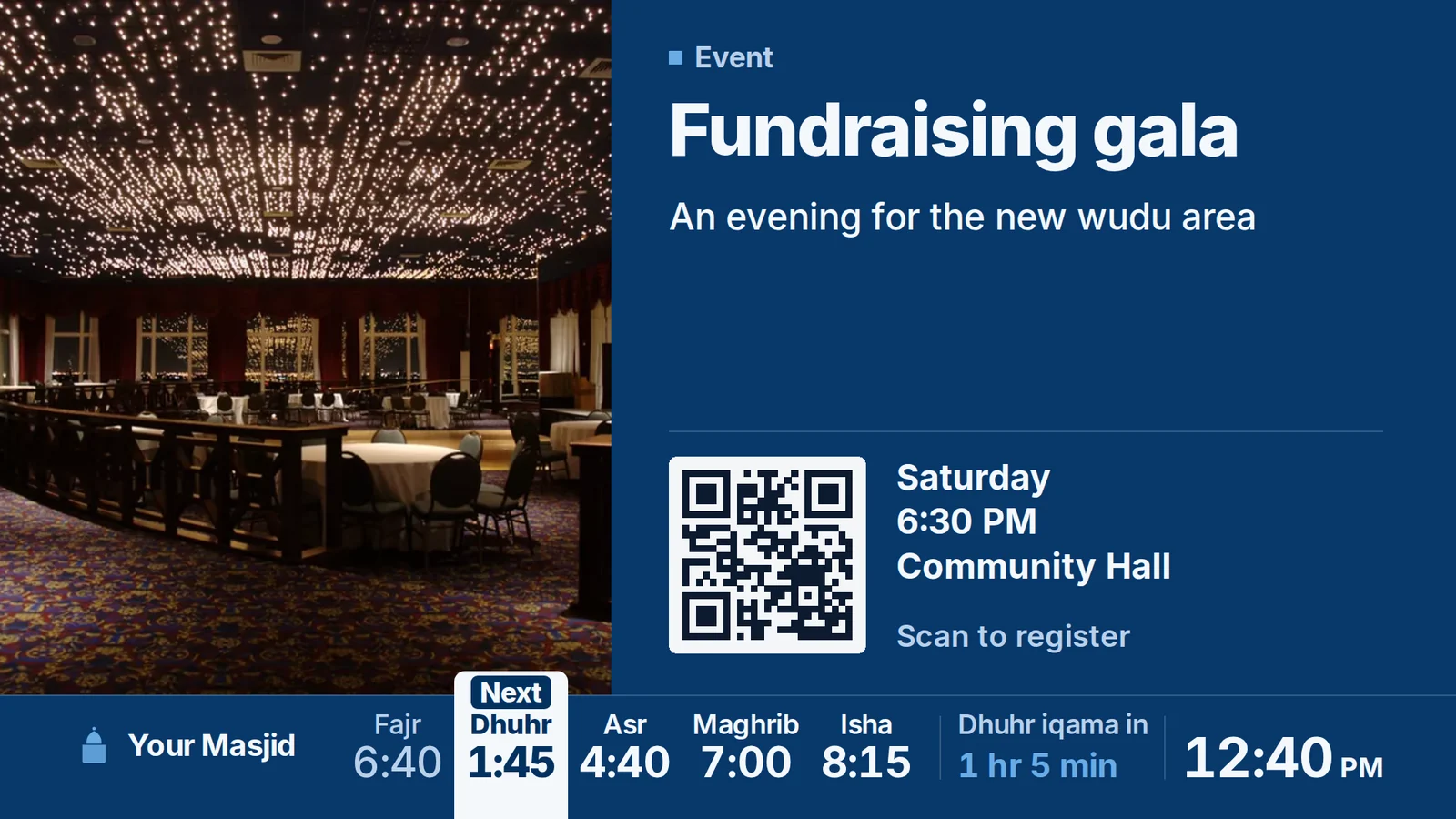
Publish once. The lobby finds out.
Screens show what your community already publishes in the portal: events with a QR code to register, campaigns with live totals, announcements and sponsor slides, with the prayer times kept in view. Nobody exports a PowerPoint or hunts for a USB stick.
- Event slides pulled straight from your event listings
- Campaign totals that update live during a fundraiser
- A QR code on every event and campaign slide
- Sponsor slides in the rotation you control
The most customizable masjid TV, and the easiest to manage.
Every screen is set up from the TV displays tab in your portal, and every choice below is a click, not a design job.
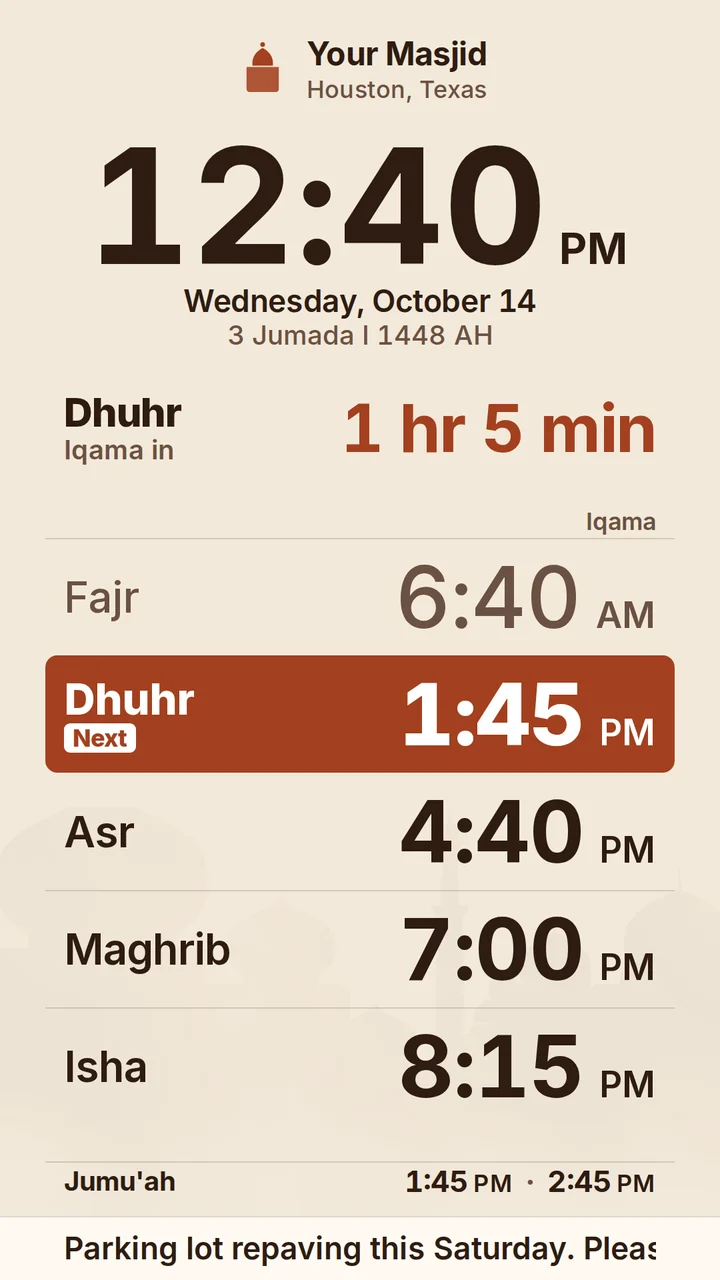
Horizontal or vertical
Each screen has its own orientation, so the tall screen by the door and the wide one in the hall both fill edge to edge.
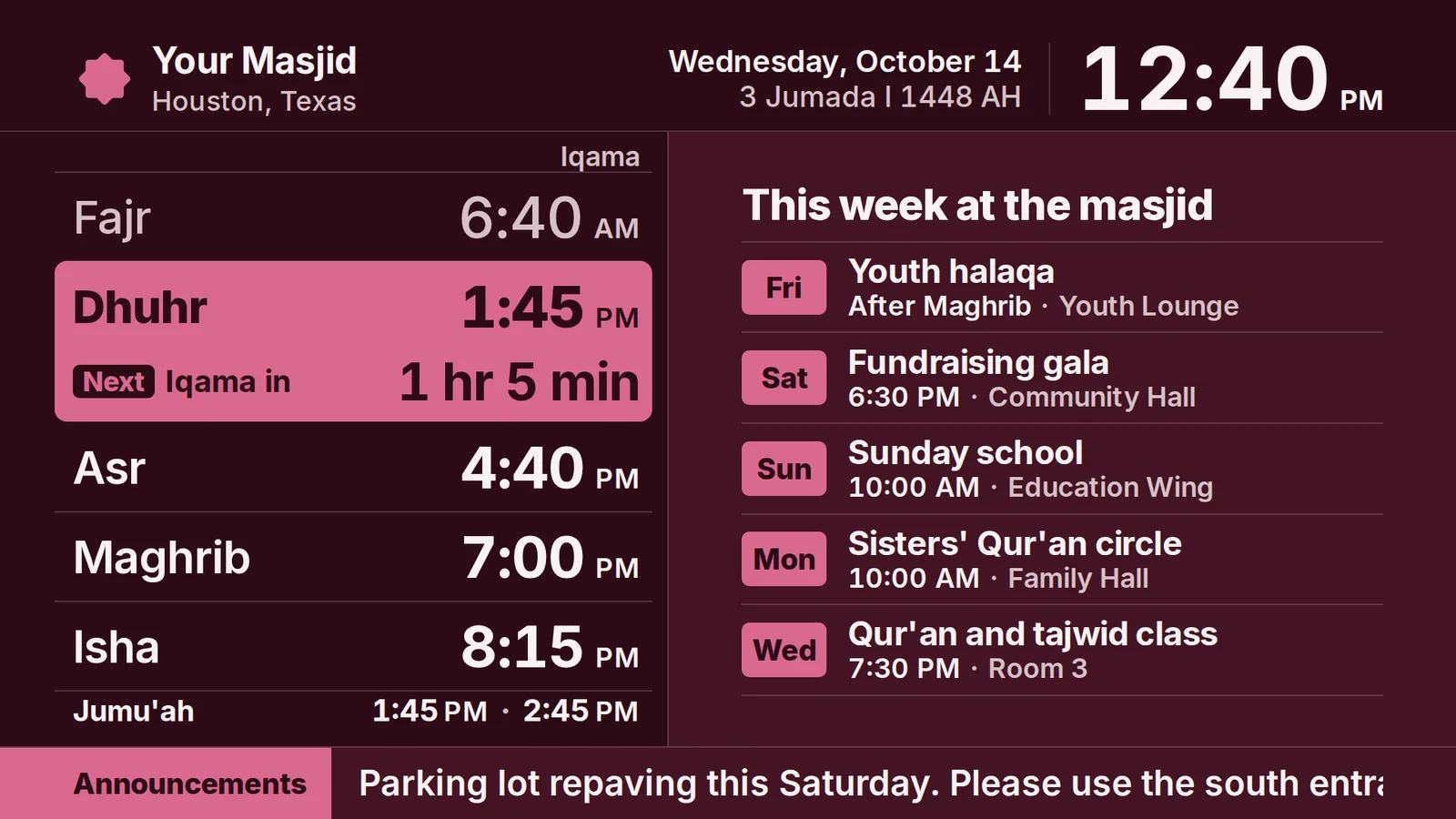
Your colors, your logo
Five ready themes, or type in your own brand color and upload your logo. Every layout follows it.
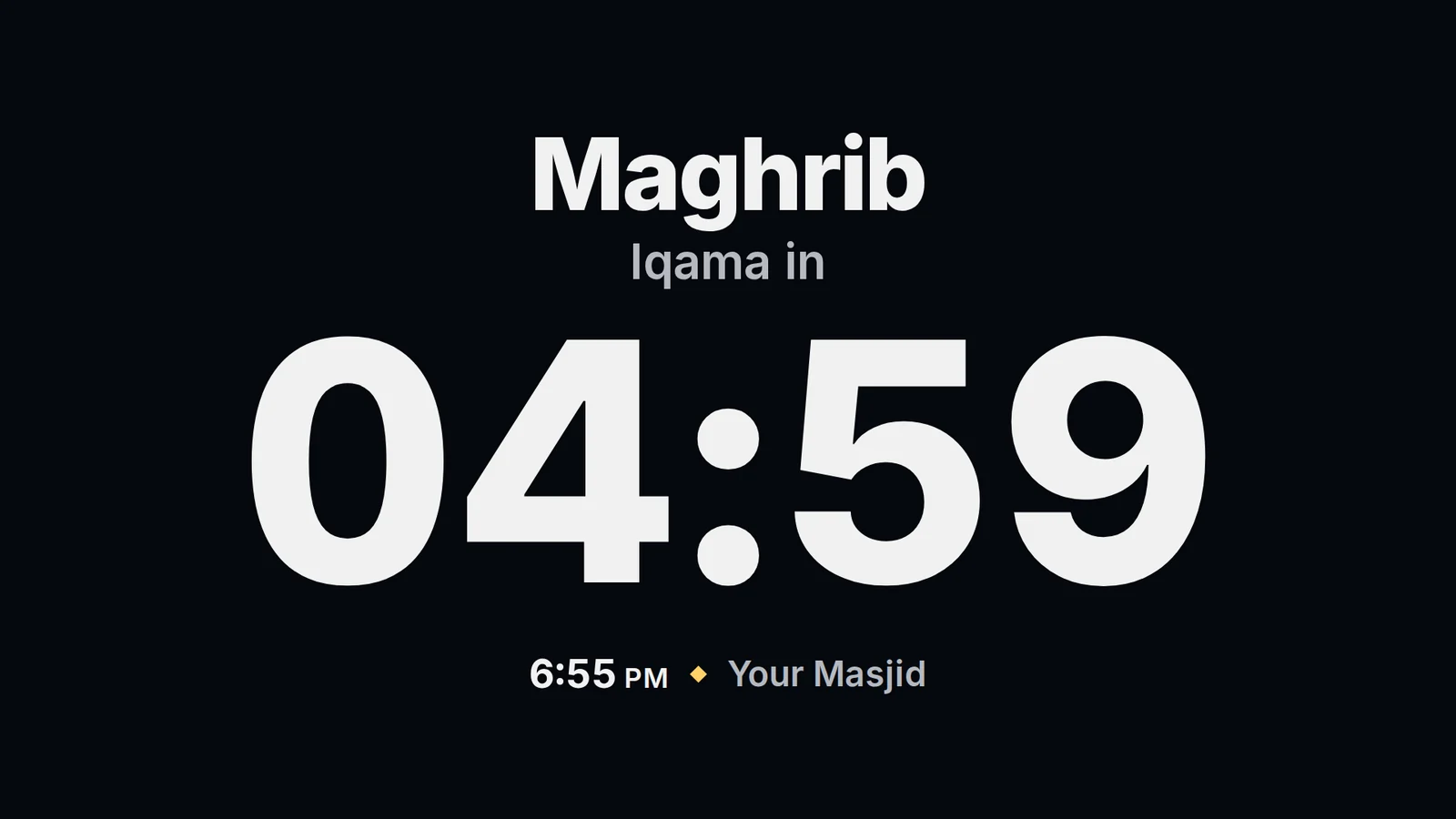
The right screen at the right moment
The last minutes before iqama become a full-screen countdown. During salah the screen shows a silence reminder, then dims.
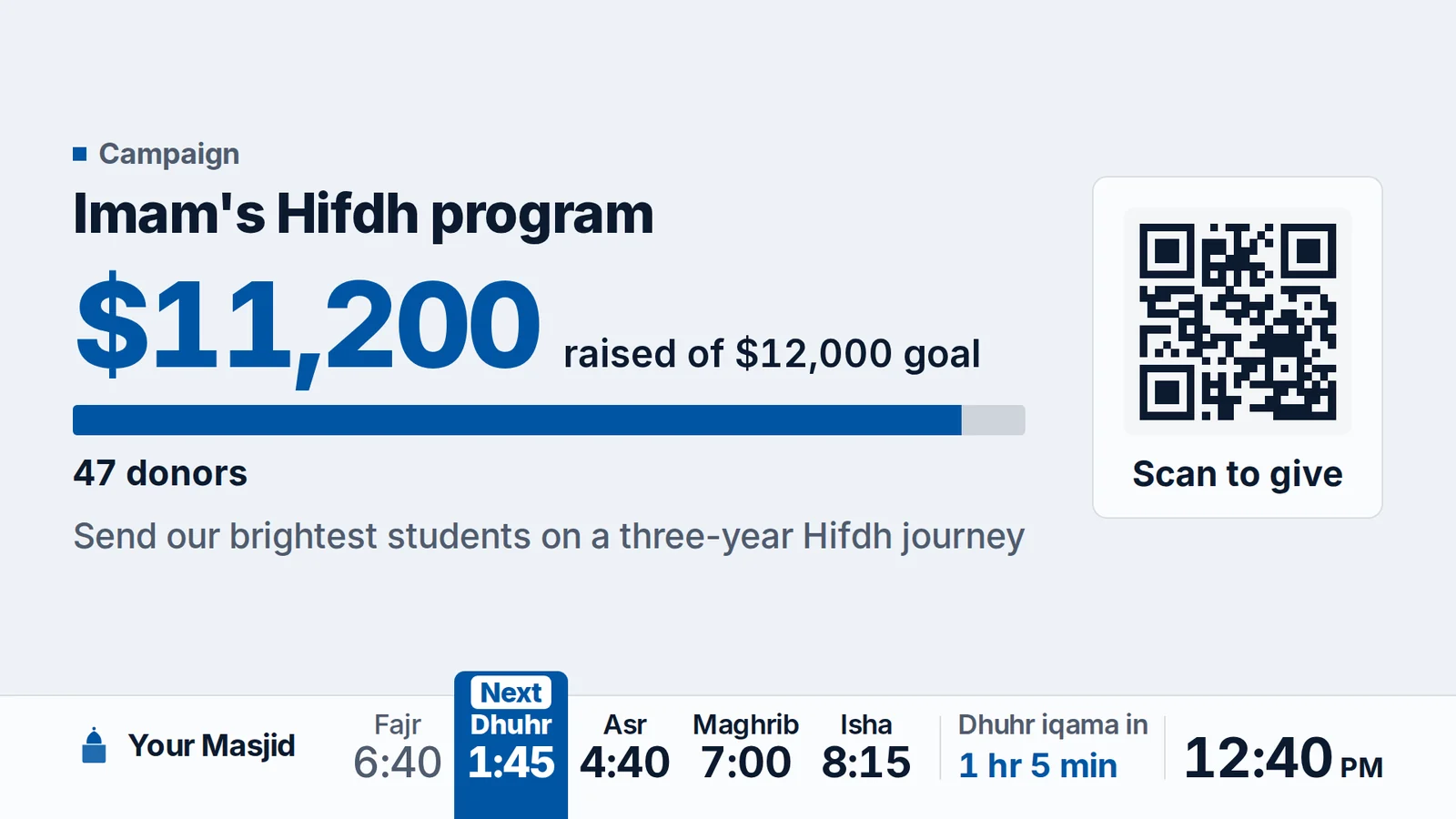
Campaigns with a live total
A donation campaign slide shows the amount raised against the goal and a QR code to give, updating as gifts come in.
- Four layouts: Prayer board, Slideshow, Full board, Ads loop
- Horizontal or vertical, set per screen
- Five themes, or your own brand color and logo
- Backgrounds: plain, Islamic line work, a masjid skyline, or your own photo
- Detail level: Minimal, Detailed, or Custom with six switches
- Your wording: Adhan and Iqama, Athan and Iqamah, Azan and Jama'at
- 12 or 24 hour clock, and prayer names in Arabic if you want them
- Eight kinds of slide: flyer, announcement, event, campaign, this week, Jumu'ah, ayah or hadith, sponsor
- Moments: iqama countdown, prayer in progress, khutbah, night, Ramadan iftar
- During salah: dim, go dark, or stay on
- A playlist and a schedule for every screen
- An urgent notice on every screen at once
Every screen, one dashboard, no ladders.
Set what each screen shows, schedule it by day and time, and when something cannot wait, push one notice to every screen in the building at once. It comes down by itself when you set it to.
- A layout, playlist and schedule per screen: prayer hall, lobby, gym
- An urgent notice on every screen at once
- Changes reach the screen without anyone touching the TV
- Runs on screens you already own, no proprietary hardware
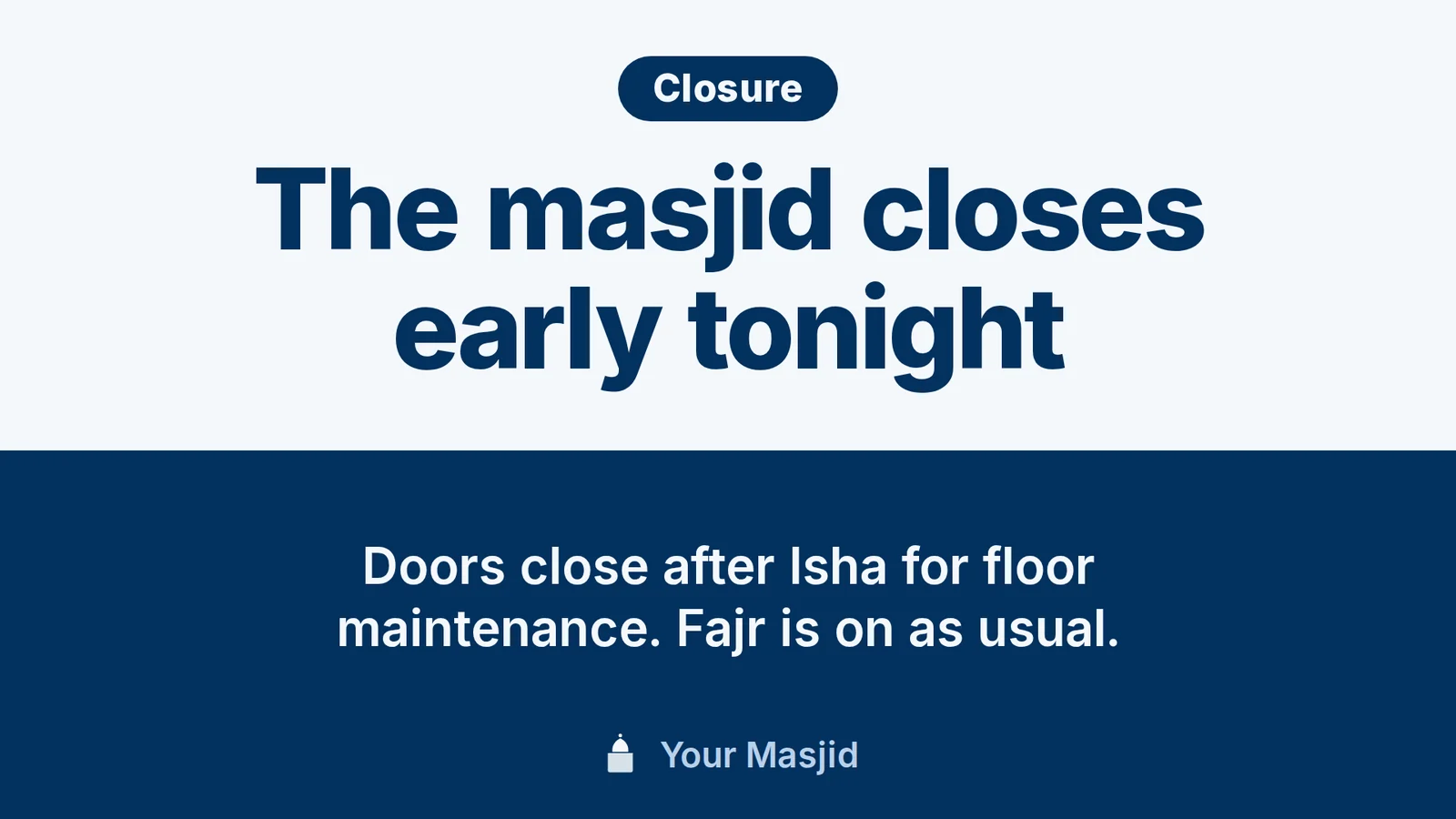
Included in Advanced. No additional payment.
TV displays come with the Advanced plan, $75 a month billed annually. No per-screen fee, no player to buy, no add-on. The same plan includes the Ummah Kiosk, donations at a 0% platform fee, vendor booth maps, staff roles and a website we design and build. Several masjid display products are sold as a separate plan; on Ummah the screens are part of the package.