

One admin dashboard. Every operation.
Events in Eventbrite. Donations in Givelify. Members in a spreadsheet. Announcements in WhatsApp. The Community Portal replaces all of that with one login.
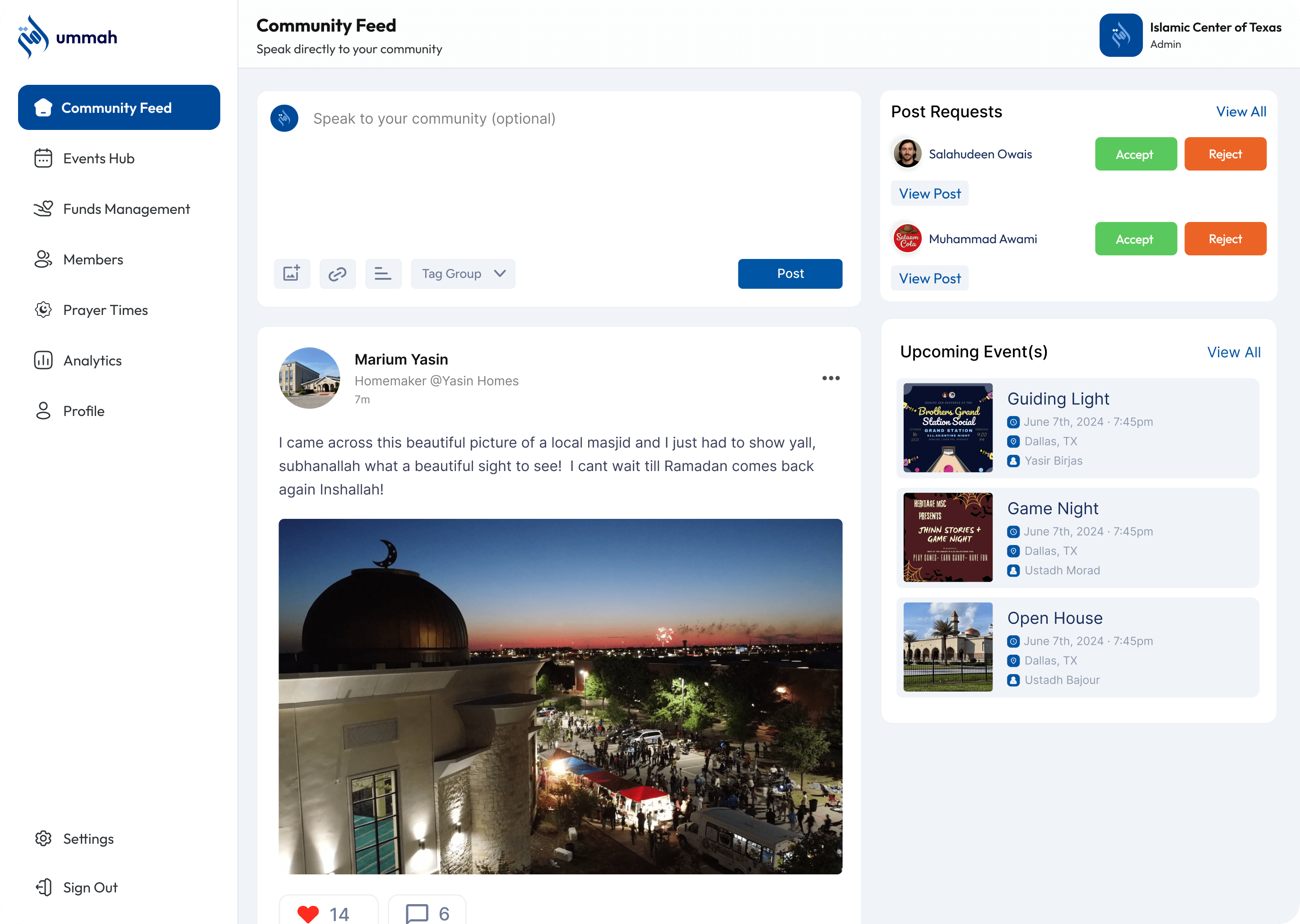
Event oversight
Upcoming, active, past, private, one view
Every event your org has ever run, in one place. Filter by status, drill into a specific event for live attendee count and revenue, or duplicate last year's setup.
- Status filtering (upcoming / active / past / private)
- Live attendee count and revenue
- Duplicate event from a template
- Cross-event reporting
Funds management
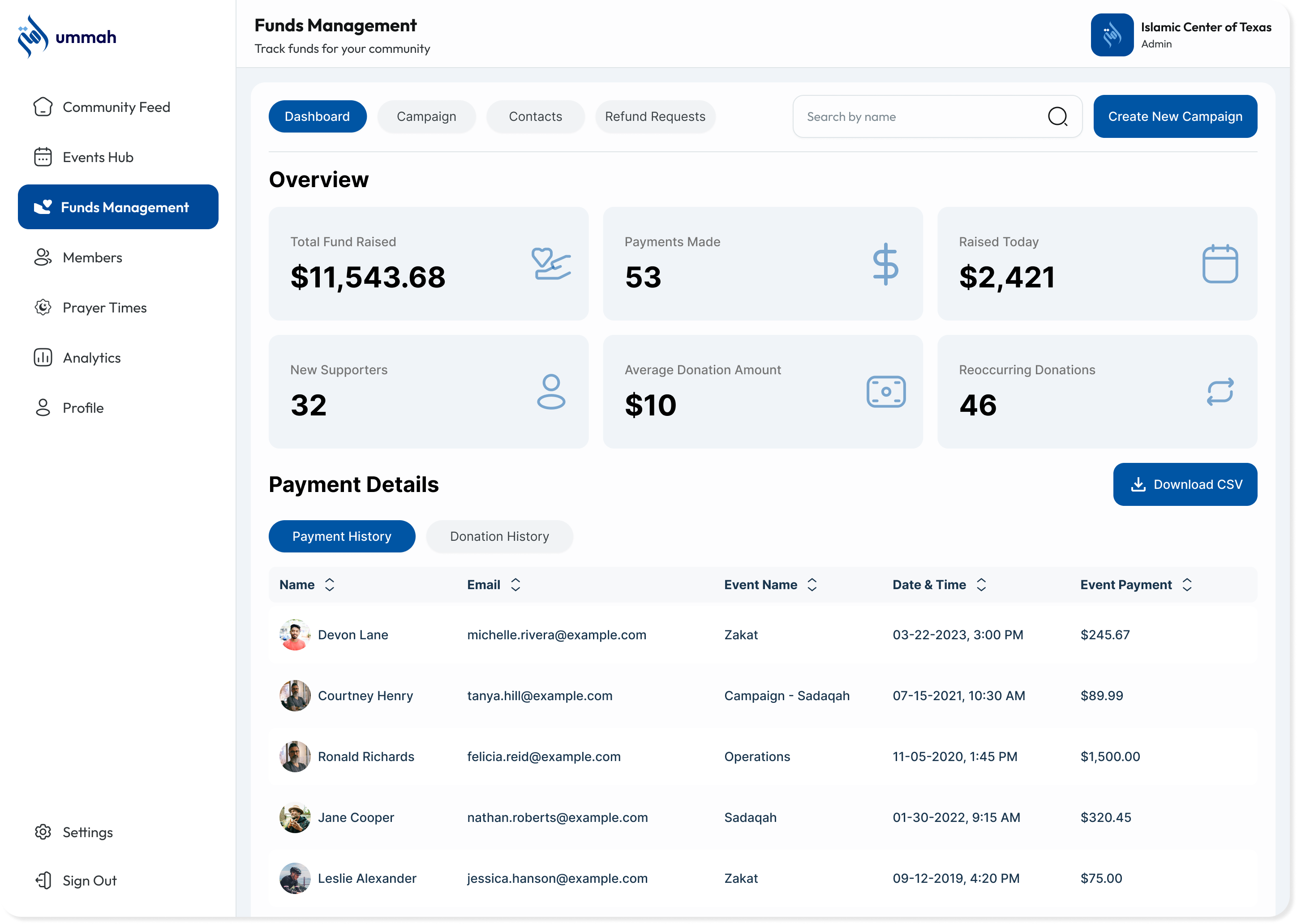
Donations, campaigns, refunds, without leaving the dashboard
Funds dashboard lives next to events and members. The donor list is the same as the member directory, so contact info stays clean.
- Campaign creation and tracking
- Recurring donor management
- Refund and dispute control
- Donor records tied to member directory
Community Portal FAQs
Admins, board members, secretaries, and program leads. Members live in the mobile app, they don't need the portal.
ChMS tools are built for Sunday service. The Community Portal is built for masajid, MSAs, non-profits, and conferences. The data the app and the public Community Page show is the same data you edit in the portal.
Yes. Roles and access control let multiple admins manage events, donations, and members in parallel without overwriting each other.